Check-in tips and self-check-in for Grand Panama Beach Resort
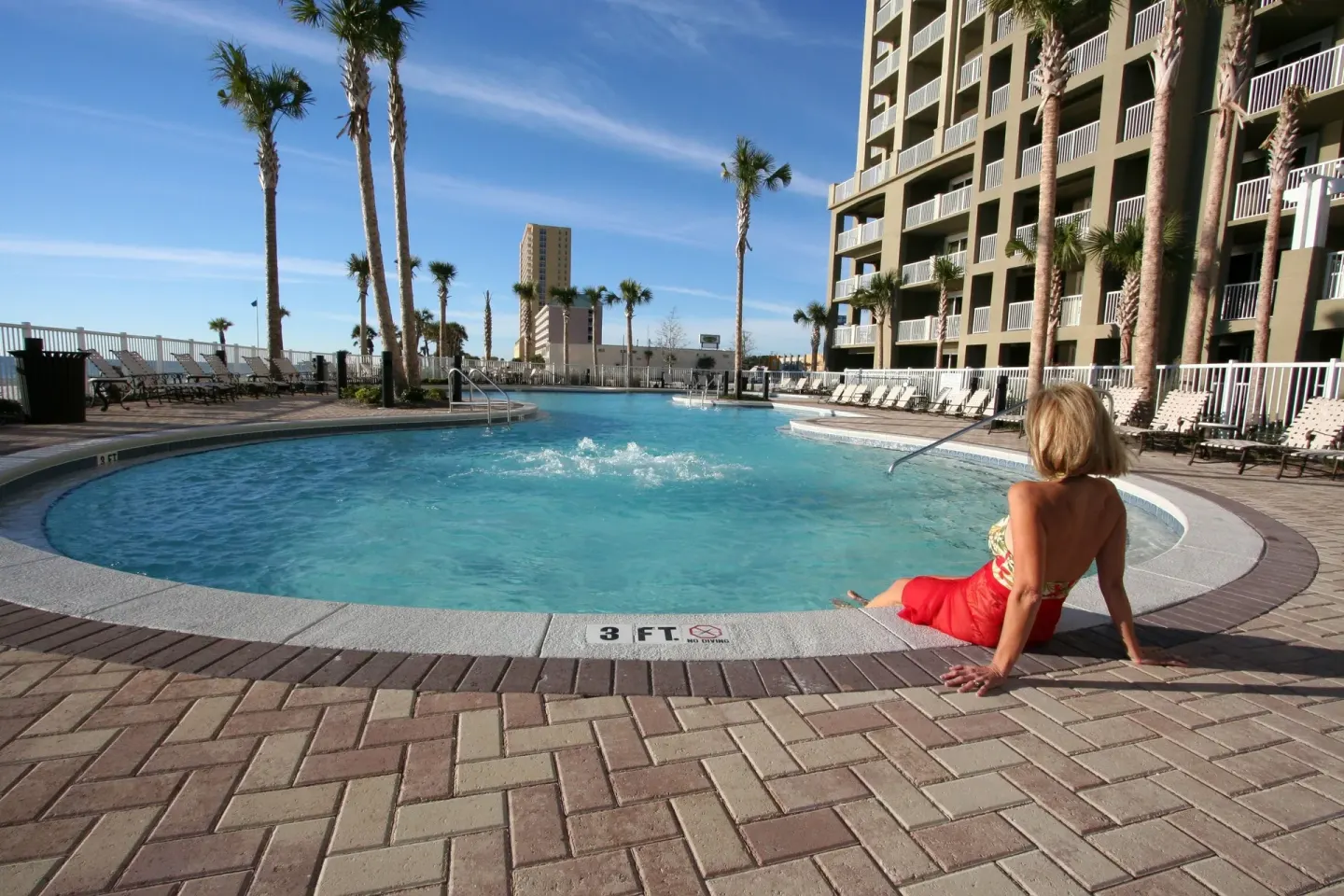
Check-in at Grand Panama Beach Resort begins at 4:00 PM; many condo arrivals use emailed access instructions or an emailed access code for self-check-in, while an Owners' Service Desk in the Tower 2 lobby handles wristbands, parking passes and in-person registration. The primary renter must meet the resort's minimum-age requirement (commonly 25) and have a photo ID and credit card available at check-in.
In this guide
Before you arrive: documents, minimum age and reservation notes
Confirm the primary renter’s age and have photo ID and the credit card used for booking ready. Per HOA policy, the primary renter/guest is generally required to be at least 25 years old to book and check in; some individual unit listings may show a lower minimum (for example, 21) so check your reservation confirmation.
Look at your booking confirmation or the unit manager’s email for arrival instructions — many individually-managed condo units send pre-arrival access codes, parking instructions and arrival windows by email. If you’re unsure whether your unit offers self check-in, contact the property manager listed on your reservation before travel.
- Have a government photo ID and the card used to guarantee the reservation ready at check-in.
- Check your booking email for an access code, keypad instructions, or a note that you should stop at the Tower 2 Owners' Service Desk on arrival.
- Confirm whether your booking requires an online parking/registration step (Park and Spot) before you arrive.
| Item | Why it matters |
|---|---|
| Photo ID & credit card | Required for registration and to settle any on-site charges |
| Primary renter age | HOA policy commonly requires the primary renter to be at least 25 |
| Pre-arrival email | May include access code or self-check-in steps |
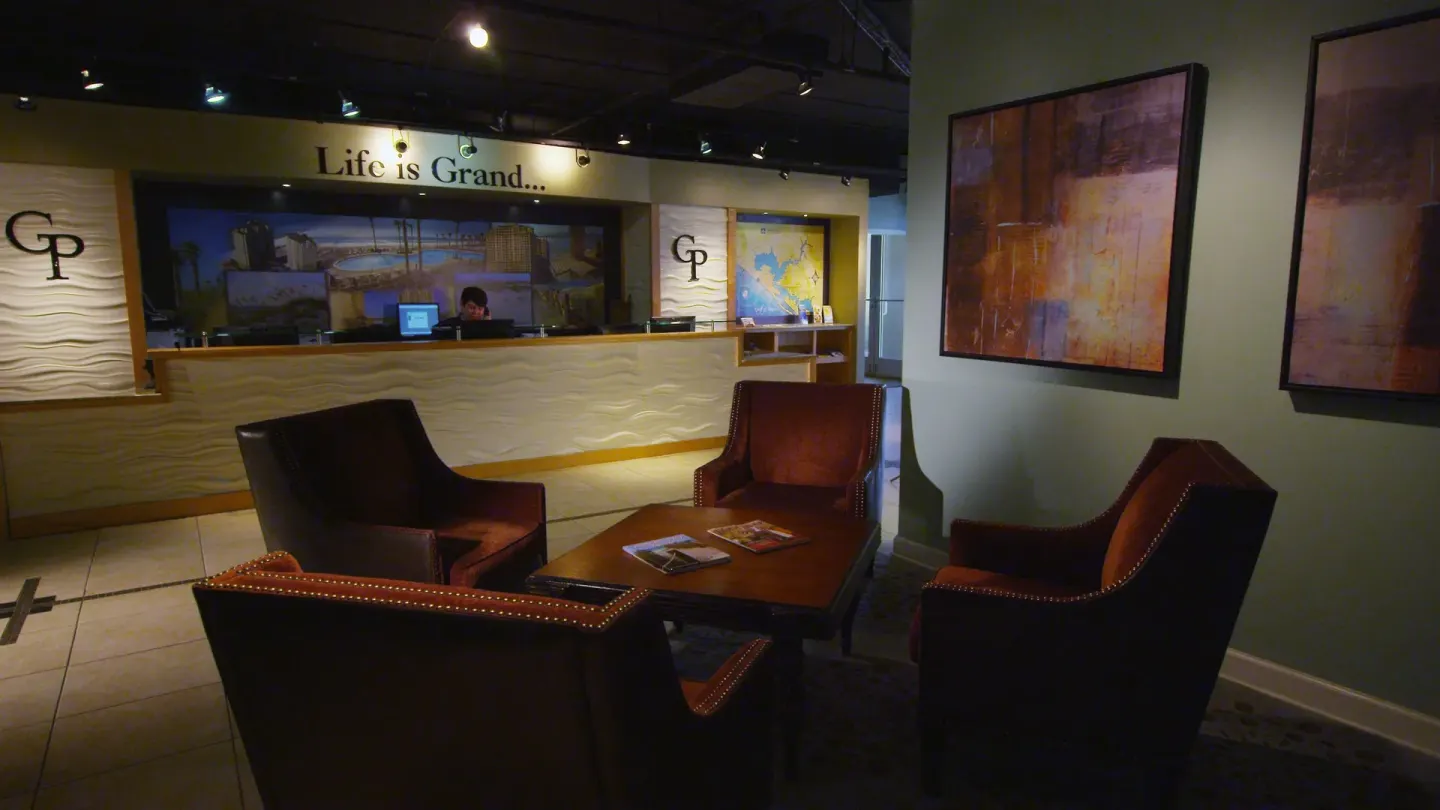
Self check-in vs. in-person Owners’ Service Desk
Many condo arrivals at Grand Panama receive emailed access instructions or an access code and proceed directly to their unit without a standard 24-hour front desk. When a self-check-in code is provided, follow the emailed instructions exactly — codes are typically sent shortly before arrival and vary by unit manager.
If you need in-person assistance, the Owners' Service Desk in the Tower 2 lobby handles registration tasks such as issuing wristbands and parking passes. Desk hours vary by source; if you expect to arrive outside the desk hours, confirm your unit’s late check-in policy with the manager who sent your confirmation.
- If you have a self-check-in code, bring it and your ID to the unit and follow the keypad/lockbox steps in the email.
- For parking passes, wristbands and pet tags pick up at the Tower 2 Owners' Service Desk (hours vary).
- If you can’t access your unit with the emailed code, contact the property manager or BookResorts agents (24/7: +1 (888) 605-1350).
| Check-in option | What to expect |
|---|---|
| Emailed access code / self check-in | Direct entry to unit via keypad/lockbox; no 24-hour front desk required |
| Owners' Service Desk (Tower 2) | In-person registration, parking passes, wristbands and pet tags |
What to bring and on-site fees to expect
Expect a mandatory registration/parking/resort fee charged at the property; listings commonly cite an amount collected at check-in that covers parking passes and wristbands. Payment methods accepted for on-site fees typically include cash or credit card, but check your unit’s instructions for exact process and timing.
If you plan to bring a pet, you must book a designated pet-friendly unit and complete online registration ahead of arrival; proof of vaccinations and advance payment of the pet fee are normally required. Pets are not allowed on the beach or in pool areas.
- Bring cash or the credit card you used to book for any resort/registration or parking fees.
- Complete the Park and Spot registration (if required) before arrival so you can pick up parking passes at Tower 2.
- If bringing a pet, confirm your unit is pet-friendly, submit vaccination proof and pay the pet fee in advance.
| Common on-site items | Notes |
|---|---|
| Registration/parking/resort fee | Collected at property; covers parking pass and wristbands |
| Additional parking pass | Available for an extra charge — plan ahead if you need more than one pass |
| Pet fee & registration | Required for pet-friendly units; pets barred from beach and pools |
Room types and what to expect inside your condo
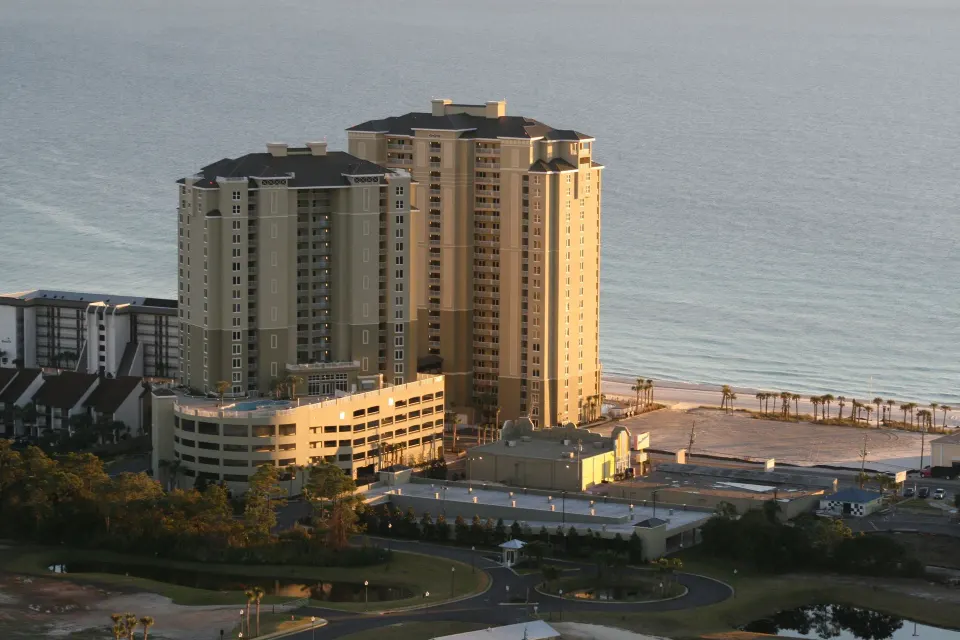
Grand Panama offers condo-style rooms and suites in two towers with a range of bedroom counts and bed mixes. Units vary by layout and furnishings because many are individually managed; confirm bed types and exact amenities on your confirmation.
Common room names (as shown in booking materials) include 1 Bedroom Gulf View Deluxe, 2 Bedroom Gulf Front Deluxe, 3 Bedroom Gulf Front Deluxe and Luxury Condo, 3 Bedrooms, Beach View Room. Check the unit listing for specifics such as whether the unit includes a full kitchen, washer/dryer or balcony.
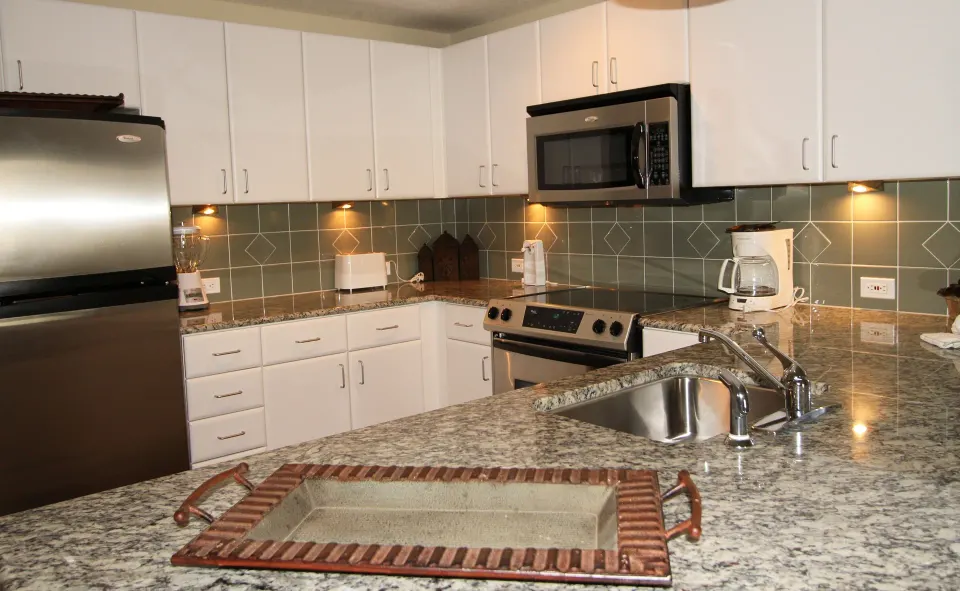
- You may find studio-style or multi-bedroom condos with full kitchens and living areas in some unit types.
- Unit furnishings, appliances and decor vary between individually-managed condos.
- If you need an accessible unit or specific bedding, request it when booking — the property is listed as not wheelchair accessible in general, so confirm specifics with the manager.
| Room name (examples) | Typical bed setup |
|---|---|
| 1 Bedroom Gulf View Deluxe | 1 Queen Bed, 1 Queen Sofa Bed and 1 Twin Bunk Bed |
| 2 Bedroom Gulf Front Deluxe | 1 Queen Bed, 1 Double Bed, 1 Queen Sofa Bed and 1 Twin Bunk Bed |
| Luxury Condo, 3 Bedrooms, Beach View Room | 1 King Bed or 1 Queen Bed (check your reservation) |
Pool, beach access and wristbands: rules to follow
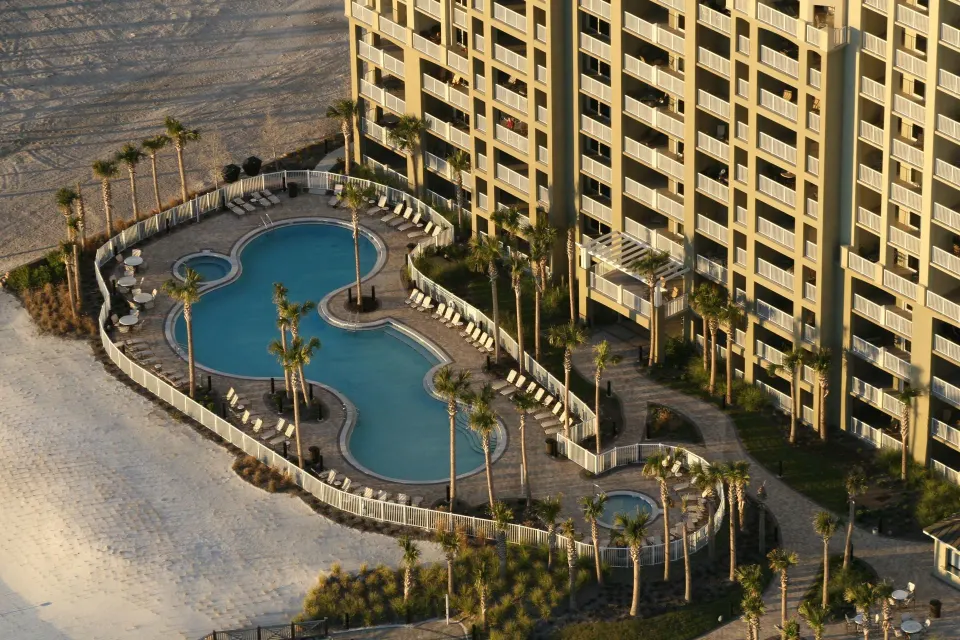
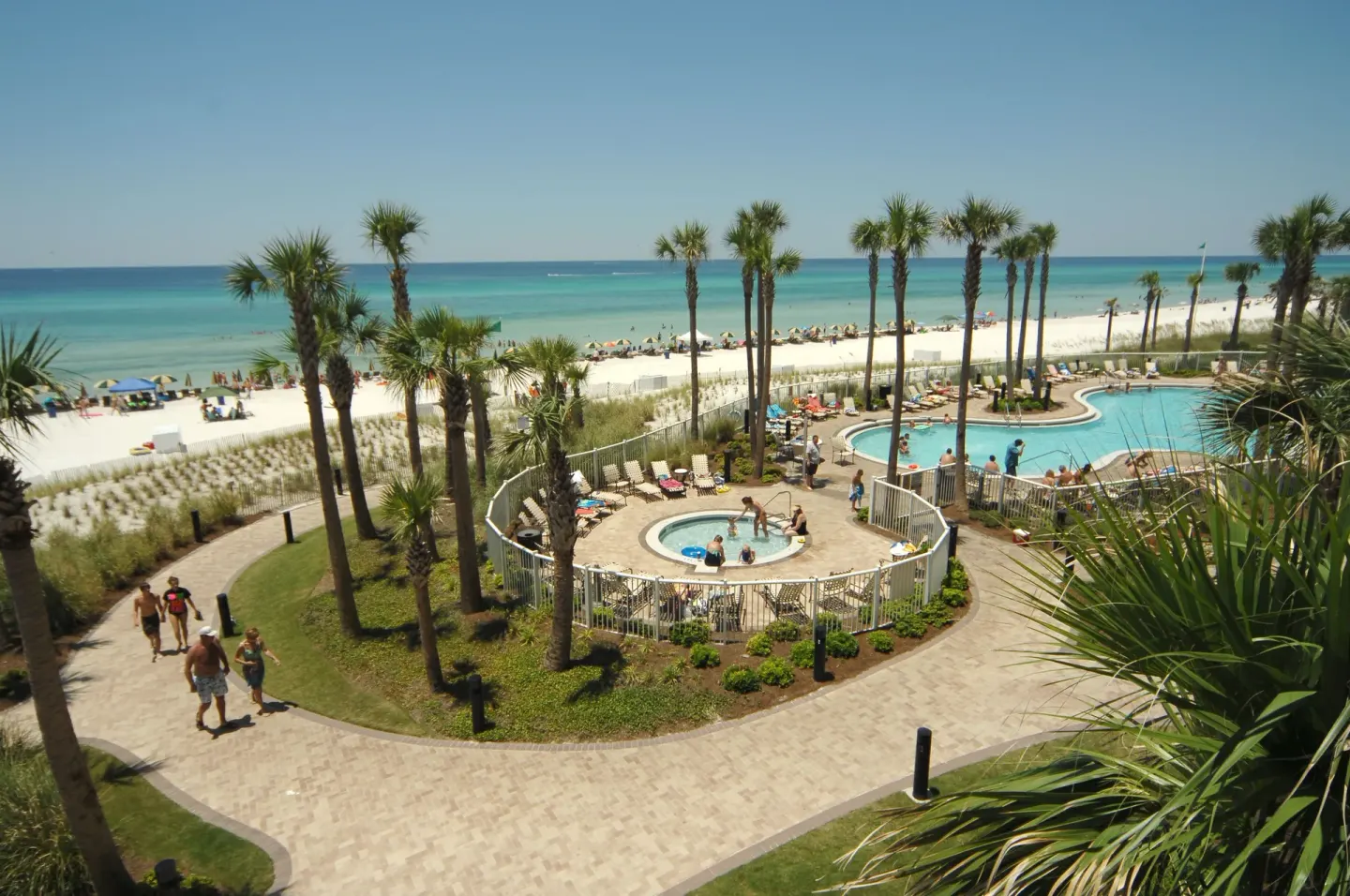
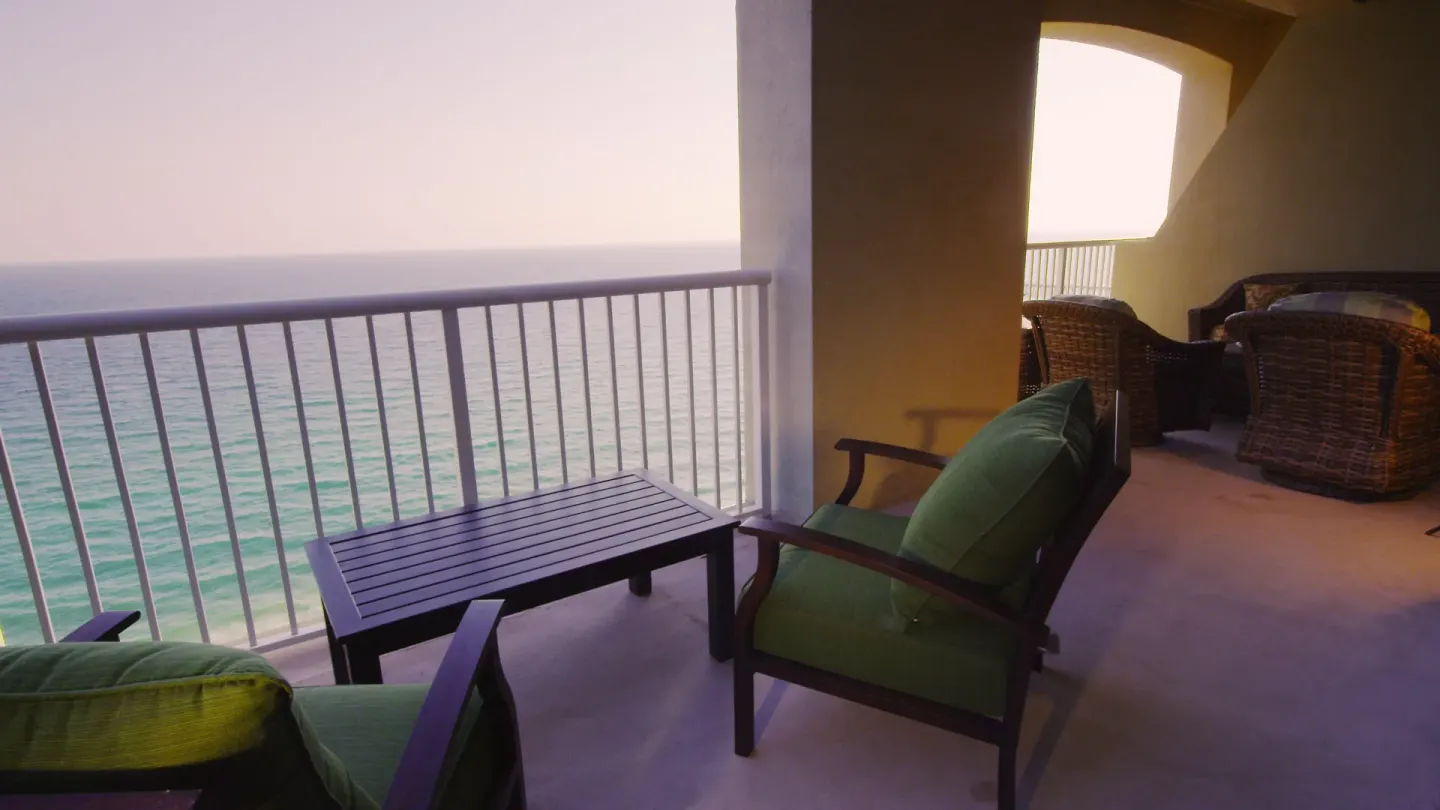
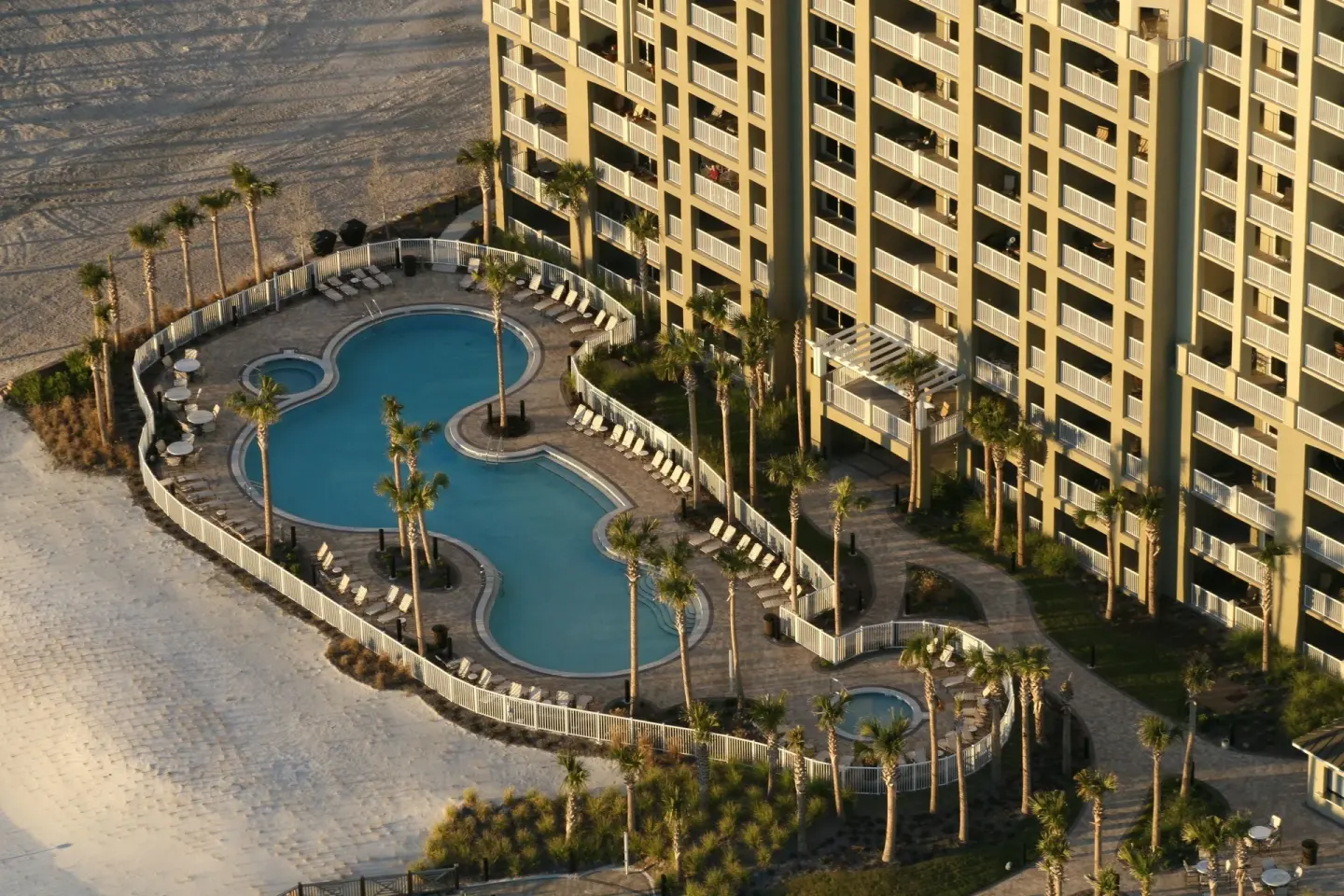
Grand Panama provides Gulf-front beach access, outdoor pools (two pools including one heated), two hot tubs/spa pools and a kiddie pool. Pool and spa hours are generally 9:00 AM–10:00 PM, and there is no lifeguard on duty — guests swim at their own risk.
Resort wristbands/armbands are required for adults and children 13 and older while on property; you’ll usually pick these up during registration at Tower 2. Pool rules prohibit glass, food or drink in the pools/spas, and children 12 and under must be accompanied by an adult in pool and spa areas (children 5 and under are not permitted in hot tubs).
- Wear wristbands/armbands if required — they’re enforced on property.
- No lifeguard: supervise children and follow posted pool rules.
- Pets are not permitted on the beach or in pool areas per local ordinance.
| Amenity | Notes |
|---|---|
| Pools & hot tubs | Two outdoor pools (one heated), two hot tubs/spa pools, kiddie pool; no lifeguard |
| Pool hours | Generally 9:00 AM–10:00 PM |
| Pool rules | No glass/food/drink in pools; children must be supervised |
Checking out and practical departure tips
Standard check-out at Grand Panama Beach Resort is by 10:00 AM. If your departure plans require a late check-out, request this through the unit manager in advance — it’s not guaranteed and may incur an additional fee set by the manager.
Before you leave, follow any unit-specific check-out instructions in your reservation email (for example: strip beds, start the dishwasher, return keys or confirm lockbox procedures). If you picked up parking passes or pet tags, verify whether they need to be returned to the Tower 2 desk or left in the unit.
- Follow the unit manager’s check-out checklist in your reservation email to avoid extra cleaning charges.
- Return wristbands/parking passes or ask where to leave them if the reservation specifies.
- Confirm where to leave keys or whether you should use a lockbox/code for departure.
| Check-out item | Action |
|---|---|
| Time | Check-out by 10:00 AM |
| Keys/access | Follow your unit's specified return method |
| Parking passes & pet tags | Return per instructions or confirm drop-off location |